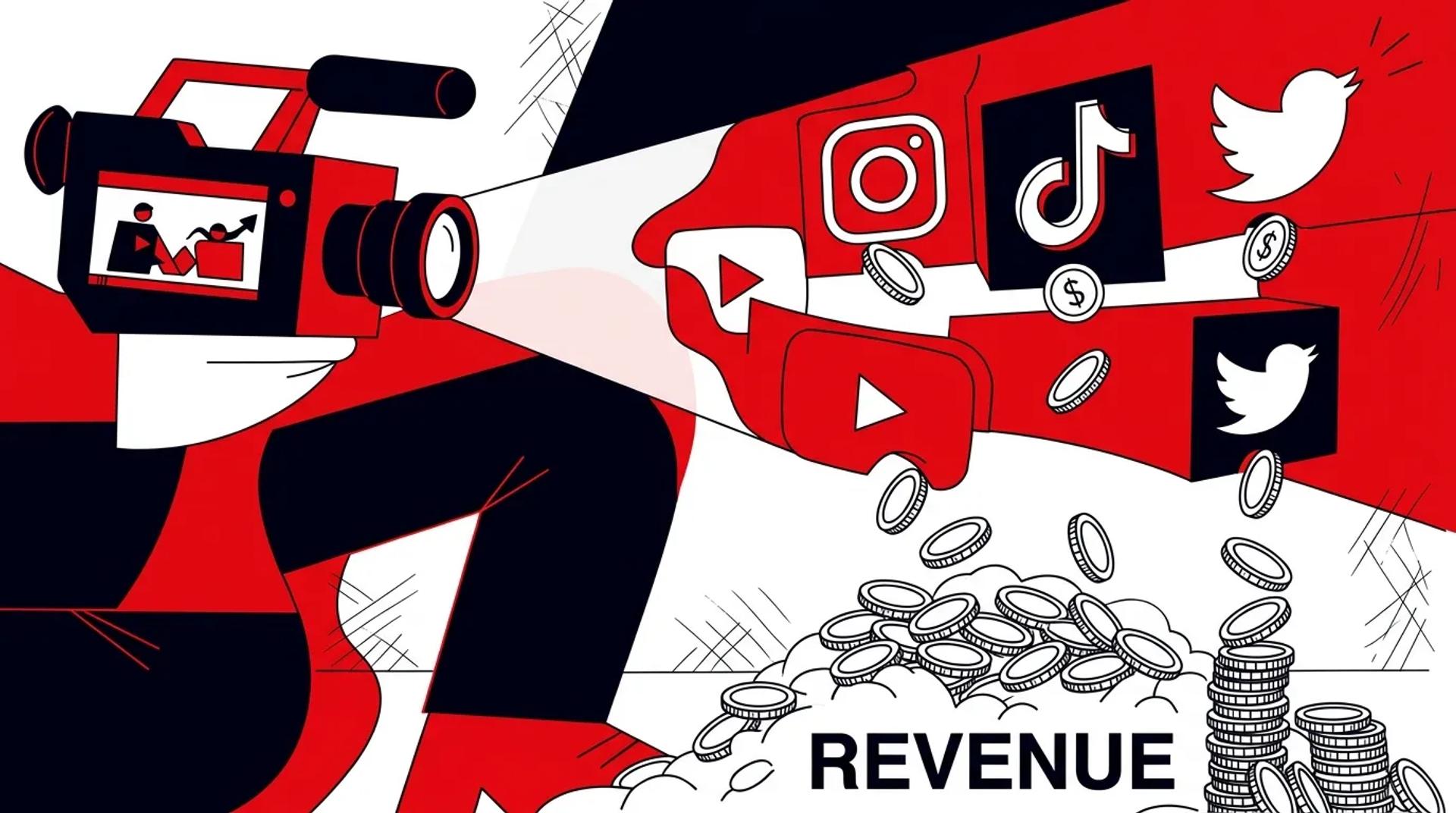

Most brands approach social media video production like a content treadmill. Shoot a batch, post it, watch it die in the algorithm, repeat. The teams getting real ROI from social content are doing something fundamentally different. They are producing content designed to work across organic social, paid media, web, email, and sales from the start.
One well-planned social media shoot should fuel 4-6 weeks of content across every platform, not just the 3-4 posts your social team needs that week. We have seen clients go from producing 15 pieces of content per shoot to producing 60+ without adding a single hour to the production day.
The difference is always in the planning. This guide covers exactly how to structure your social media shoot planning so every asset gets used and every dollar gets maximized.
Why social content should not stay on social
Social media content is the most versatile content type you can produce. The raw, authentic aesthetic that works on Instagram and TikTok also performs well in paid ads, on landing pages, and in email campaigns. Yet most teams treat social shoots as isolated from the rest of their marketing.
Here is where social shoot content can (and should) go:
| Channel | Content Type | Why It Works |
|---|---|---|
| Organic Social | Reels, carousels, Stories | Native format, built for the platform |
| Paid Social Ads | Short-form video, UGC-style | Authentic feel drives higher CTR |
| YouTube | Shorts, compilation reels | Repurpose vertical content directly |
| Website | Hero video, testimonial clips | Adds motion and authenticity |
| GIF previews, video thumbnails | Increases click-through rates 2-3x | |
| Sales Outreach | Personal video clips, demo walkthroughs | Humanizes the sales process |
When you plan for all six channels, your cost per usable asset drops by 60-75% compared to producing channel-specific content in silos.
The multi-channel shoot framework
Here is the framework we use for every social media video production session. It takes the same shoot day and multiplies the output.
Step 1: content pillar mapping
Before the shoot, identify 3-5 content pillars. These are the core themes or messages your brand needs to communicate. Every piece of content should ladder up to one of these pillars.
Examples: product education, customer success, behind-the-scenes culture, industry authority, promotional offers.
Step 2: asset matrix
Build a spreadsheet that maps each content pillar to specific assets across every channel. For each asset, define:
- Platform and placement
- Aspect ratio (9:16, 1:1, 16:9)
- Length (under 15s, 15-30s, 30-60s, 60s+)
- Hook type (question, stat, bold claim, visual surprise)
- CTA (follow, click link, visit site, book call)
Step 3: batch by setup, not by platform
Do not shoot all your Instagram content and then switch to TikTok content. Shoot by location or setup. For each setup, capture horizontal, vertical, and square. Capture at multiple lengths. This is far more efficient and produces more versatile footage.
Step 4: capture raw and polished
For every polished take, also capture one “raw” version. Less scripted, more natural, slightly imperfect. These raw takes consistently outperform polished content in paid social ads. They feel real because they are.
Versioning social content for paid media
Your organic social content library is also your paid creative testing library. Here is how to version effectively.
From one 60-second social video, you can create:
- 3 different hook variations (first 3 seconds swapped)
- 2 aspect ratio versions (9:16 and 1:1)
- 1 shorter cut (15s for Stories/bumper ads)
- 1 longer cut (90s for YouTube)
- 3 thumbnail/cover image variations
That is 10 testable ad variations from a single piece of content. Multiply across 10-15 pieces shot in a day and you have 100-150 ad creative variations ready to test.
This is why the best content shoot strategy does not separate organic from paid. They are the same content, versioned differently.
What to measure to prove ROI
Stop reporting on likes and followers. Here is what matters:
- Cost per asset produced: Total shoot cost divided by total usable assets. Target under $100 per asset.
- Paid media performance: CTR, CPC, and CPA for ad creative sourced from social shoots vs. studio-produced creative. Social-native content typically wins on CPC by 20-40%.
- Content velocity: How many pieces of content does each shoot produce, and how long does that content last before you need to reshoot? Target 4-6 weeks of runway per shoot.
- Cross-channel deployment rate: What percentage of shoot assets are used on 3+ channels? If that number is below 50%, your planning needs work.
- Revenue influence: Track conversions that touched social content at any point in the buyer journey. This connects your social media video production investment to actual business outcomes.
Shoot frequency and budget planning
| Business Type | Recommended Frequency | Typical Output | Monthly Content Runway |
|---|---|---|---|
| E-commerce | 2x per month | 40-60 assets per shoot | 2-3 weeks per shoot |
| B2B Services | 1x per month | 25-40 assets per shoot | 4-6 weeks per shoot |
| Local / Multi-location | 1x per quarter | 50-80 assets per shoot | 6-8 weeks per shoot |
| Franchise | 1x per quarter + templates | 30-50 assets + templated | 8-12 weeks per shoot |
The right frequency depends on how quickly your content fatigues in paid channels and how many platforms you are actively posting on.
Frequently asked questions
How many pieces of content should a social media shoot produce?
A well-planned full-day shoot should produce 40-80 usable assets across formats and channels. If you are getting fewer than 25, your shoot is not structured for multi-channel output. The issue is almost always in pre-production planning, not in the shoot itself.
Should I use the same content on every social platform?
No. Each platform has different pacing, aspect ratio preferences, and audience expectations. However, you should capture versatile footage that can be edited differently for each platform. Shoot once, edit five ways.
Is it worth hiring a professional crew for social media content?
For organic-only content, a skilled in-house creator with a smartphone can work. But once you are running paid campaigns, producing for multiple channels, and need consistent quality at scale, a professional social media video production crew pays for itself in asset volume and performance.
How do I keep social content from looking stale after a few weeks?
Vary your hook styles, use different talent, rotate between content pillars, and mix formats (talking head, demo, lifestyle, text-on-screen). We also recommend reshooting key performers monthly while keeping evergreen setups on a quarterly rotation.
Turn your next shoot into a content engine
If your social media shoots are producing content for one platform at a time, you are doing it wrong. Talk to a Social Content Producer at Ad Leverage and we will build a shoot plan that fills every channel for weeks from a single production day.
References
- Meta Business Help Center: Creative Best Practices for Social Ads
- HubSpot: Social Media Content Strategy and Planning Guide
- Sprout Social: The State of Social Media Marketing Report