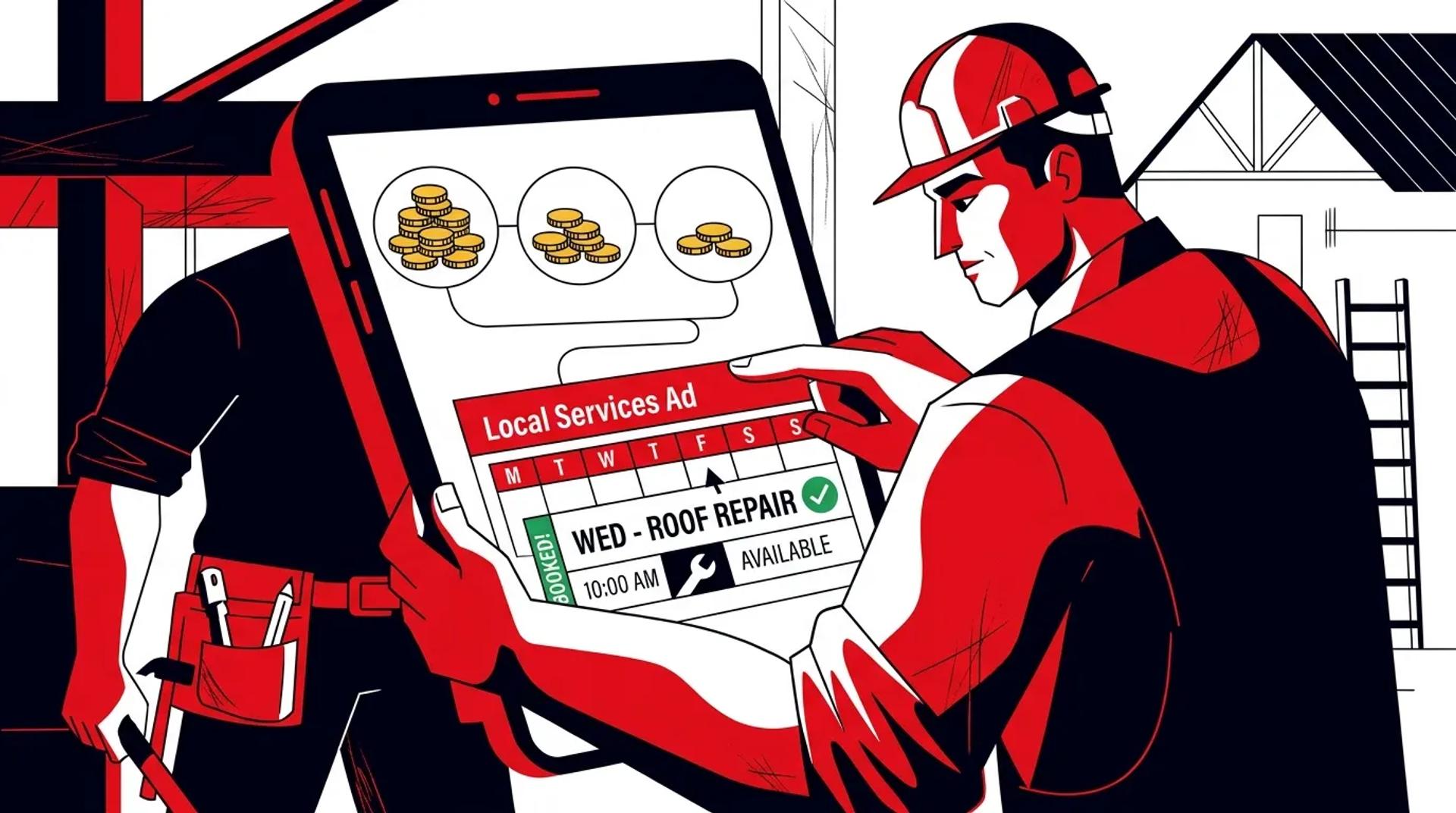

Most businesses track their LSA performance by cost per lead. That is the wrong number. A $30 lead that never books is infinitely more expensive than a $60 lead that turns into a $3,000 job. Local Services Ads cost per booked job is the metric that connects your ad spend to actual revenue. It is also the metric most businesses never calculate.
We manage LSA accounts for home services companies that range from $2,000/month to $40,000/month in LSA spend. The difference between the accounts that profit and the ones that bleed is not budget size. It is how well they control the levers that determine whether a lead becomes a booked job.
The good news is that most of those levers are within your control. They are just not obvious if you are only looking at the LSA dashboard.
Why cost per booked job is the only metric that matters
Google’s LSA platform reports cost per lead. That number includes every lead you receive. Answered calls, missed calls, spam, tire kickers, and people looking for a service you do not offer. Treating that number as your performance benchmark is like measuring restaurant success by how many people walked through the door without counting how many actually ordered.
The formula that matters:
- Cost per booked job = Total LSA spend / Number of jobs booked from LSA leads
- Target benchmark = Your average job value x your target marketing cost percentage
For example, if your average job is $2,500 and you target 10% marketing cost, your LSA cost per booked job target is $250. If you are currently at $400, you know exactly how much efficiency you need to gain.
| Metric | What It Tells You | Limitation |
|---|---|---|
| Cost per lead (Google-reported) | What you pay for each inbound contact | Includes junk, spam, and unqualified leads |
| Cost per qualified lead | What you pay for leads worth pursuing | Does not account for close rate |
| Cost per booked job | What you pay for actual revenue | Requires CRM tracking to calculate |
| Revenue per dollar spent | Full ROI of LSA investment | Requires tracking job value by lead source |
Tighten your service area to where you actually profit
The most common LSA waste we see is overly broad service areas. Google matches you to searchers in your service area, but not every zip code in your range is equally profitable.
How to optimize your service area:
- Pull data on your last 6 months of booked jobs by zip code
- Identify the zip codes with highest average ticket and best close rates
- Remove zip codes where travel time eats into margins or leads rarely convert
- Tighten your radius to focus on profitable zones
- Revisit quarterly as you add capacity or expand service coverage
We had a client running a 40-mile service radius. After analyzing job data, 70% of their booked revenue came from 12 zip codes within 15 miles. Tightening the radius cut their Local Services Ads cost per booked job by 35% because they stopped paying for leads they could not serve profitably.
Business hours and scheduling alignment
LSAs show your business when you are marked as available. If your office closes at 5pm but your best leads come in at 6-8pm, you are invisible during peak demand. Conversely, if you are marked available but cannot answer calls, you get charged for leads that go to voicemail and never book.
Rules for hours optimization:
- Match your LSA hours to when someone can actually answer the phone
- If you use an answering service, extend hours to cover evening and weekend demand
- Track which hours produce the highest booking rate and weight availability accordingly
Dispute leads that should not have been charged
Google allows you to dispute LSA leads that do not meet their quality standards. Most businesses either dispute everything (which gets you flagged) or dispute nothing (which means you are paying for garbage). The right approach is systematic and consistent.
Leads you should always dispute:
- Spam or robocalls
- Requests for services you do not offer (and have not listed)
- Wrong number or misdials
- Leads from outside your service area
- Duplicate leads from the same person for the same job
Leads you should not dispute:
- A lead you missed because no one answered
- A lead that went to a competitor because you were slow to respond
- A lead where the customer got a quote but chose not to proceed
- A lead that was qualified but the job was too small for your preference
We typically see successful dispute rates of 15-25% for well-managed accounts. If you are not disputing at that rate, you are probably overpaying. If you are disputing 40%+, your service categories or area targeting need adjustment.
| Dispute Reason | Success Rate | Priority |
|---|---|---|
| Spam/robocall | 90%+ | Always dispute |
| Service not offered | 85%+ | Always dispute |
| Outside service area | 80%+ | Always dispute |
| Duplicate lead | 75%+ | Always dispute |
| Not a lead (wrong number) | 85%+ | Always dispute |
| Customer chose competitor | 0% | Never dispute |
How reviews drive LSA performance
Reviews are the single biggest factor in LSA ranking after budget. Google uses your review count, average rating, recency, and response rate to determine how often you appear and in which position.
The review metrics that impact your LSA results:
- Total review count. More reviews = more visibility. Aim for 50+ to be competitive
- Average rating. 4.5+ stars is the threshold where you start winning placements
- Review recency. Reviews from the last 90 days carry more weight than older ones
- Response rate. Responding to reviews (especially negative ones) signals engagement
Practical review generation tactics:
- Ask every completed job customer for a review. Every single one
- Send a follow-up text or email within 24 hours of job completion with a direct Google review link
- Train dispatchers and technicians to mention reviews during the service experience
- Respond to every review within 48 hours, positive and negative
- Never incentivize reviews with discounts or gifts (violates Google’s policy)
A client we onboarded had 28 reviews averaging 4.2 stars. After 6 months of systematic review generation, they had 140 reviews at 4.7 stars. Their LSA lead volume doubled without increasing budget because Google ranked them higher in the LSA carousel. Their Local Services Ads cost per booked job dropped 40%.
Speed to lead determines booking rate
LSA leads are high intent but low patience. Someone searching “emergency plumber near me” is calling the first business that picks up. If you let an LSA call ring to voicemail, the lead is gone.
What the data shows:
- Leads answered within 30 seconds book at 3x the rate of leads answered after 2 minutes
- Missed calls that are returned within 5 minutes still book at reasonable rates
- Missed calls returned after 30 minutes book at less than 10% the rate of live answers
How to improve speed to lead:
- Route LSA calls to a dedicated line with priority handling
- Use an answering service during off-hours and overflow periods
- Set up instant notifications for missed LSA calls so they get returned immediately
- Track answer rate and average response time as weekly KPIs
This is often the highest-leverage improvement a business can make. No amount of Local Services Ads strategy optimization will compensate for a team that does not answer the phone.
Track everything back to revenue
You cannot optimize Local Services Ads cost per booked job without connecting lead data to your CRM or job management system.
The tracking workflow:
- Every LSA lead gets logged in your CRM with source tagging
- Call recordings are reviewed to score lead quality
- Leads are tracked through your sales process to booked/not booked
- Booked jobs are tagged with actual revenue
- Monthly reporting calculates true cost per booked job and revenue per LSA dollar
This data is what turns LSA management from guesswork into a system. When you know which service categories produce the best cost per booked job, you can adjust your LSA profile to emphasize those categories. When you know which zip codes convert at the highest rates, you tighten your service area.
Frequently asked questions
What is a good cost per booked job from LSAs?
It depends on your average job value, but a general benchmark is 8-12% of revenue. If your average job is $1,500, target $120-$180 per booked job. If your average job is $5,000, you can afford $400-$600. The key is knowing your numbers and optimizing against them.
How many reviews do I need to compete in LSAs?
Fifty is the minimum to be competitive in most markets. One hundred or more puts you in a strong position. But count alone is not enough. You need a 4.5+ star average and consistent recent reviews. Ten new reviews per month is a good velocity target for most local businesses.
Should I run LSAs alongside Google Ads or choose one?
Run both. Local Services Ads vs Google Ads is not an either/or decision. LSAs capture the top of the SERP for urgent local queries. Google Ads captures the broader set of search intent with more control over targeting and landing pages. Together they maximize your search visibility and lead volume.
Can I control which leads I receive from LSAs?
Partially. You control your service categories, service area, business hours, and budget. Google controls the matching algorithm. You cannot add keywords or negative keywords. This is why reviews, responsiveness, and dispute management are so important. They are the levers you actually have.
Start driving down your cost per booked job
Every dollar you save on cost per booked job is a dollar that goes directly to margin. The levers are clear. Tighter service areas, systematic disputes, stronger reviews, faster response times, and CRM-connected tracking. Request a Local Services Ads Review to find out exactly where your LSA efficiency gaps are and how much revenue you are leaving on the table.
References
- Google. About Local Services Ads Lead Credits.
- BrightLocal. Local Services Ads Click and Conversion Study.
- ServiceTitan. Home Services Industry Benchmark Report.