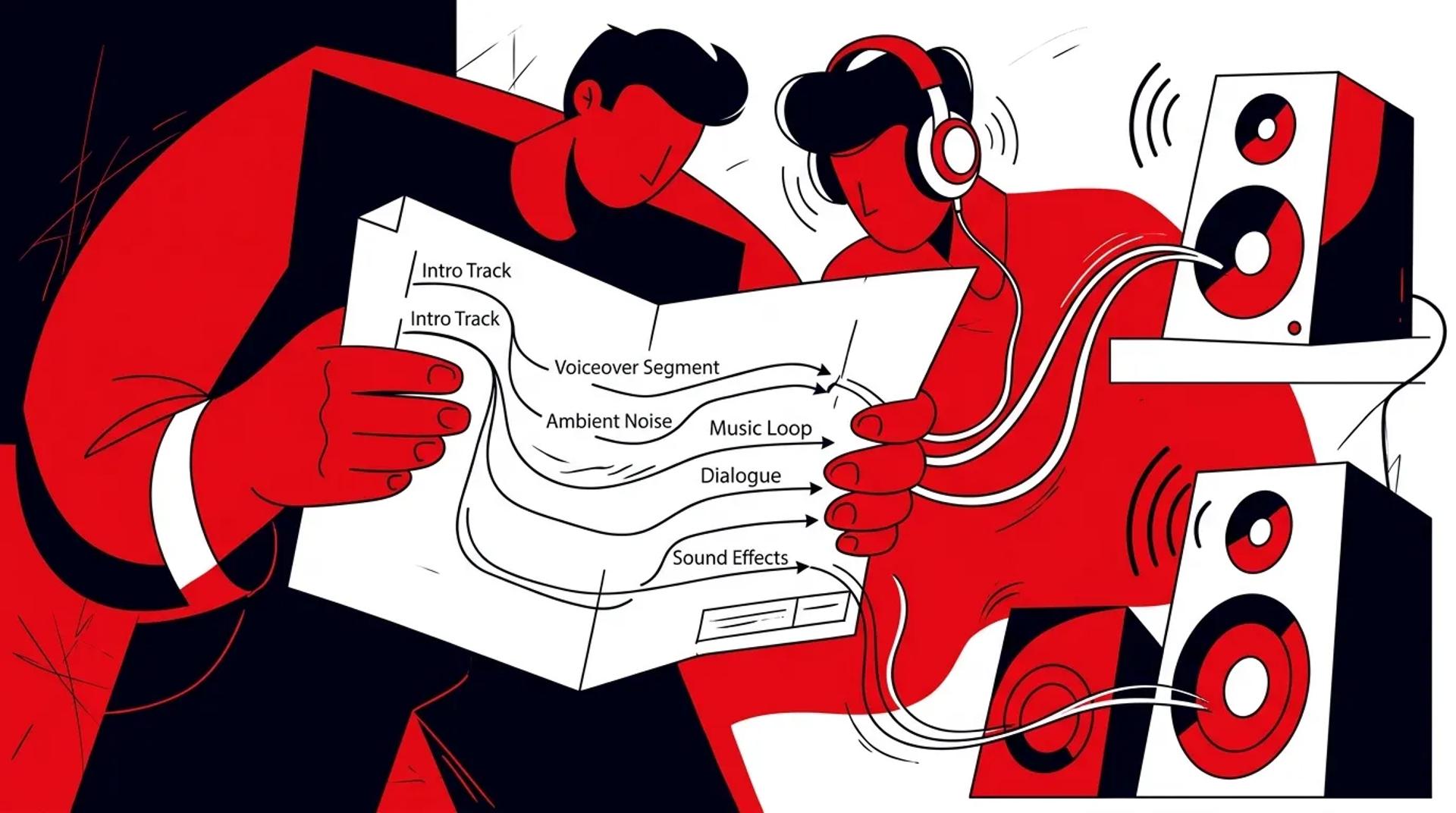

Here is a pattern we see constantly. A brand invests $8,000 in audio production for advertising, gets a polished 30-second radio spot, runs it for a quarter, and then the file sits in a shared drive collecting dust. Six months later they do it again. Same process, same waste.
The problem is never the quality of the audio. It is the planning behind it. When you produce audio without a multi-channel distribution plan, you are building assets with no shelf life. When you plan production around where the audio will live and how it will be versioned, every dollar works harder.
This guide covers the exact planning process we use to make sure audio production for advertising actually fuels campaigns instead of filing cabinets.
Start with the business goal, not the script
Most audio production briefs start with “we need a radio spot.” That is a deliverable, not a goal. The right starting point is defining what you want the audio to accomplish in terms of pipeline and revenue.
Questions to answer before production begins:
- What is the primary business outcome? Lead generation, brand awareness, event promotion, product launch?
- Which channels will run audio? Radio, streaming, podcasts, social, web, phone system, sales outreach?
- How long does this need to perform? Is this a 6-week campaign or an evergreen asset?
- What is the CTA? Visit a URL, call a number, book a meeting, download something?
- How will we measure success? What attribution model connects this audio to revenue?
When you answer these questions first, the creative brief writes itself. When you skip them, you get beautiful audio that no one uses.
Map every channel before recording
The biggest waste in radio commercial production happens when teams produce for one channel and then realize they need content for three more. The result is either expensive re-records or awkward edits that do not fit the new format.
Here is the channel map we build before any production session:
| Channel | Format | Length | Tone | CTA Style |
|---|---|---|---|---|
| AM/FM Radio | Broadcast spot | 30s / 60s | Polished, clear | Direct response |
| Streaming (Spotify, Pandora) | Audio ad | 15s / 30s | Conversational | Click or tap CTA |
| Podcasts | Produced or host-read | 15-60s | Native to show | Promo code or URL |
| Social Media | Sound bite / audio clip | 5-15s | Energetic, punchy | Swipe up or link in bio |
| Website | Background or narration | 30-120s | Professional, warm | Supports page goal |
| Phone System | On-hold / IVR | Variable | Calm, branded | Route or inform |
| Sales Outreach | Voicemail drop | 15-30s | Personal, direct | Call back or reply |
When you build this map before production, you can plan scripts, talent direction, and session time to cover everything in one day.
Script for modularity
Linear scripts produce one asset. Modular scripts produce many.
The modular script structure:
- Hook (2-5s): An attention-grabbing opening line that works as a standalone social audio clip
- Problem (5-10s): A pain point statement that resonates with your audience
- Solution (5-10s): What you offer and why it matters
- Proof (5-10s): A stat, testimonial quote, or specific result
- CTA (3-5s): Record 3-4 versions with different offers, URLs, or phone numbers
Each module should be recorded as a separate take. This gives your editor the flexibility to assemble channel-specific versions without re-recording. A modular approach to your audio branding strategy means one session produces assets for every channel on your map.
Talent direction tips:
- Record each module in 2-3 energy levels: broadcast (polished), conversational (podcast), and punchy (social)
- Capture clean room tone for each session so editors can seamlessly cut between takes
- Have talent record a few “imperfect” takes for social. Slight vocal fry or a natural laugh can outperform polished reads on social platforms
Build an asset tracker
Production without a tracking system leads to lost files and duplicated work. Before the session, create a simple tracker that maps every planned asset.
| Asset Name | Channel | Length | Status | File Location | Live Date | Performance |
|---|---|---|---|---|---|---|
| Spring Radio 30s | AM/FM | 30s | Produced | /audio/spring/ | 04/01 | Tracking |
| Spring Podcast Pre-roll | Podcasts | 15s | In Edit | /audio/spring/ | 04/07 | Pending |
| Spring Social Hook | 8s | Needs Review | /audio/spring/ | 04/03 | Pending |
This tracker becomes the single source of truth for what was produced, where it lives, and whether it is deployed. We have seen teams “discover” unused assets months later simply because no one was tracking utilization.
Set a deployment timeline before production
Audio that sits in post-production for 6 weeks after recording is audio that is not driving revenue. Set deployment timelines before the session so everyone knows the deadline.
Recommended deployment cadence:
- Week 1 post-session: All broadcast and streaming versions mastered and delivered
- Week 2: Social clips, podcast ads, and web audio finalized
- Week 3: Sales assets (voicemail drops, outbound audio) delivered to the team
- Week 4: Full campaign live across all channels. Performance tracking begins.
If your team cannot hit this cadence, identify the bottleneck. It is usually approvals, not production.
Frequently asked questions
How much should I budget for a multi-channel audio production session?
A full-day session that covers broadcast, streaming, podcast, social, and web assets typically runs $5,000-$12,000 including talent, studio, and basic editing. Versioning and mastering for all channels adds another $1,500-$3,000. The total is significantly less than producing for each channel separately.
Do I need different voice talent for different channels?
Not necessarily. The same voice talent can deliver different energy levels for different channels in the same session. What matters is directing the talent properly and recording enough variations. We recommend budgeting an extra 30-45 minutes of studio time for alternative reads.
How long should audio production assets stay in rotation?
Audio production for advertising assets typically have a 3-6 month shelf life before listener fatigue sets in. Evergreen assets like on-hold messaging and IVR can last 12+ months. Monitor frequency metrics and refresh when performance starts declining.
What is the biggest mistake teams make with audio production planning?
Starting with the script instead of the channel map. When you write a script for one channel, you get one asset. When you plan for seven channels and then write the script, you get 15-20 assets from the same session. The planning step takes an extra 2-3 hours and saves thousands.
Stop producing audio that sits in folders
If your last audio session produced 2-3 assets and most of them are not running anywhere, the fix is in the planning. Talk to an Audio Producer at Ad Leverage and we will build a production plan that puts every asset to work.
References
- IAB: Audio Advertising Best Practices and Guidelines
- Edison Research: Share of Ear Audio Consumption Data
- HubSpot: Audio Content Marketing Strategies