Commercial production is one of the most expensive marketing investments a brand can make. A 30-second spot can easily cost $30,000-$100,000 by the time you factor in concept, crew, talent, post-production, and licensing. That is a massive bet. And if the only output is a single broadcast spot that runs for 8 weeks, that bet is not paying off.
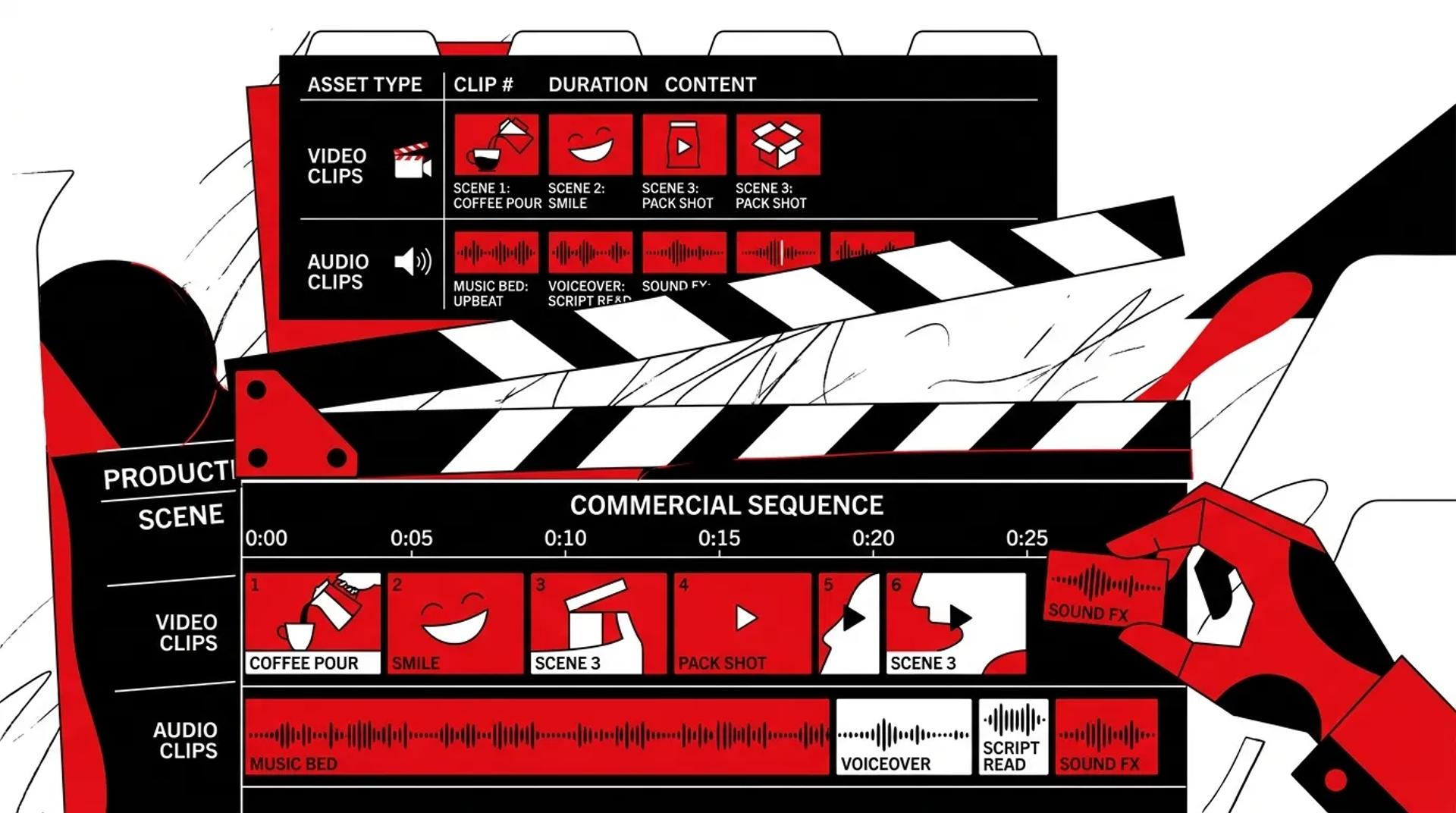
The brands that get real returns from their commercial production strategy plan for multi-channel output before the director calls action. They produce one commercial and walk away with 20-30 deployable assets. Same crew, same budget, dramatically more value.
This guide breaks down how to plan commercial production so every asset gets used, every channel gets fed, and every dollar connects to a measurable outcome.
Define the business objective first
The most common planning mistake we see is starting with a creative concept before defining the business objective. A clever concept that wins awards but does not move pipeline is a waste of budget.
The right brief starts with these questions:
- What pipeline or revenue target does this commercial need to support? Be specific. “$200K in new pipeline within 90 days of launch.”
- Who is the primary audience? Not “everyone.” Which job titles, industries, or customer segments?
- What action should viewers take? Visit a landing page, call a number, book a demo, make a purchase?
- Which channels will this run on? Broadcast TV, CTV, YouTube, social, web, sales?
- How will you measure success? Attribution model, tracking setup, conversion events?
When these answers are locked, the creative team can produce work that actually drives results. Without them, even brilliant TV commercial creative becomes an expensive guess.
Plan for every channel before production
A commercial production strategy that only plans for broadcast is leaving 70-80% of the value on the table. Here is the channel plan we build before every shoot:
| Channel | Specs | Key Consideration |
|---|---|---|
| Broadcast TV | 30s/60s, 16:9, broadcast-standard | Network compliance, closed captions |
| CTV/OTT | 15s/30s, non-skippable | Shorter attention window, stronger hook |
| YouTube | 6s bumper, 15s skippable, 30s+ | Skip button at 5s. Hook must earn the watch |
| Meta (FB/IG) | 9:16, 1:1, 15-30s | Autoplay silent. Text overlays essential |
| TikTok | 9:16, 15-60s | Native feel. Overly polished = scroll past |
| 1:1 or 16:9, 15-30s | Professional tone, value-first | |
| Website | Auto-loop hero, 30-90s explainer | No audio by default. Visual storytelling |
| Sales Enablement | 60-120s, personalized CTAs | Supports outbound sequences |
This channel map drives every decision in pre-production. Script structure, shooting format, talent direction, and editing approach all flow from this plan.
Script structure for maximum reuse
The modular commercial script:
Most commercial scripts tell a linear story. That works for a single 30-second spot. But a modular approach produces a 30-second spot AND 15 other assets.
Module 1: The Hook (3-5 seconds)
A bold visual or statement that grabs attention. This module works as a standalone social clip, a YouTube bumper ad, and the opening of every version.
Module 2: The Problem (7-10 seconds)
Frame the pain point. Combined with the hook, this creates a strong 15-second ad.
Module 3: The Solution (7-10 seconds)
Introduce your product or service. Combined with modules 1-2, you have a 30-second spot.
Module 4: Social Proof (7-10 seconds)
Testimonial, stat, or case study. This module works independently as social content or in email marketing.
Module 5: CTA (3-5 seconds)
Record 3-4 CTA variations for different campaigns, offers, and channels. Swap them in post without reshooting.
This structure gives your editor clean cut points to assemble any version for any channel.
Shoot day optimization
Capture beyond the script:
- Behind-the-scenes footage: Allocate 1 hour for BTS content. This feeds social media for weeks.
- Talent interviews: 10-15 minutes of unscripted conversation with each talent. These become testimonial clips and social content.
- Product/service B-roll: Close-ups, details, and contextual shots that work independently on web and in ads.
- Multiple aspect ratios: Run two cameras (horizontal and vertical) or frame for center-crop versatility.
Time allocation for a 10-hour shoot day:
| Activity | Time | Output |
|---|---|---|
| Hero commercial capture | 5 hours | Master spot footage |
| B-roll and product shots | 2 hours | Web, social, and ad footage |
| Alternative takes and energy levels | 1.5 hours | Social and paid versions |
| Behind-the-scenes | 1 hour | Organic social content |
| Talent interviews | 0.5 hours | Testimonial and authority content |
This schedule produces the master commercial AND all the raw material needed to version for every channel.
Post-production: versioning timeline
Do not wait until the hero spot is finished to start versioning. Run these tracks in parallel:
- Week 1-2: Hero spot edit and approval
- Week 1-2 (parallel): Social cuts, bumper ads, and short-form versions
- Week 2-3: Website assets, email thumbnails, and sales clips
- Week 3: All versions mastered and delivered. Campaign launch.
The entire process from shoot to full multi-channel launch should take 3 weeks or less. Anything longer means you are losing momentum and market timing.
Frequently asked questions
How much more does it cost to plan a commercial for multi-channel vs. single channel?
The production day itself costs the same. The additional investment is in pre-production planning (5-10% of budget) and post-production versioning (10-15% of budget). For a $50,000 commercial, that is an extra $7,500-$12,500 to go from 2 assets to 20+. The ROI math is obvious.
Can a broadcast commercial really work on social media?
Not in its original form. Broadcast pacing and social pacing are fundamentally different. But the raw footage from a commercial shoot can be re-edited into social-native content that performs well. The key is planning for both during the shoot, not trying to shoehorn broadcast into social after the fact.
What if my brand has strict compliance or legal requirements for commercials?
Build compliance into the modular script structure. Legal disclaimers, required disclosures, and regulatory language can be included as a separate module that is added to versions that need it and omitted from those that do not. This is far more efficient than producing separate spots for compliant and non-compliant channels.
How do I get my creative agency to adopt a multi-channel commercial production strategy?
Share the cost-per-asset data. Most agencies are incentivized to produce fewer, higher-polish pieces. When you show them that commercials for performance marketing planned for multi-channel deployment produce 10x the assets at the same budget, the conversation shifts quickly.
Get more from your next commercial production
Your commercial budget should produce assets for every channel, not just broadcast. Talk to a Commercials Producer at Ad Leverage and we will plan a production that delivers 20+ deployable assets from a single shoot day.
References
- Google Ads: Video Creative Best Practices for YouTube
- ANA (Association of National Advertisers): Cross-Platform Advertising Effectiveness
- Think with Google: Data-Driven Creative Optimization