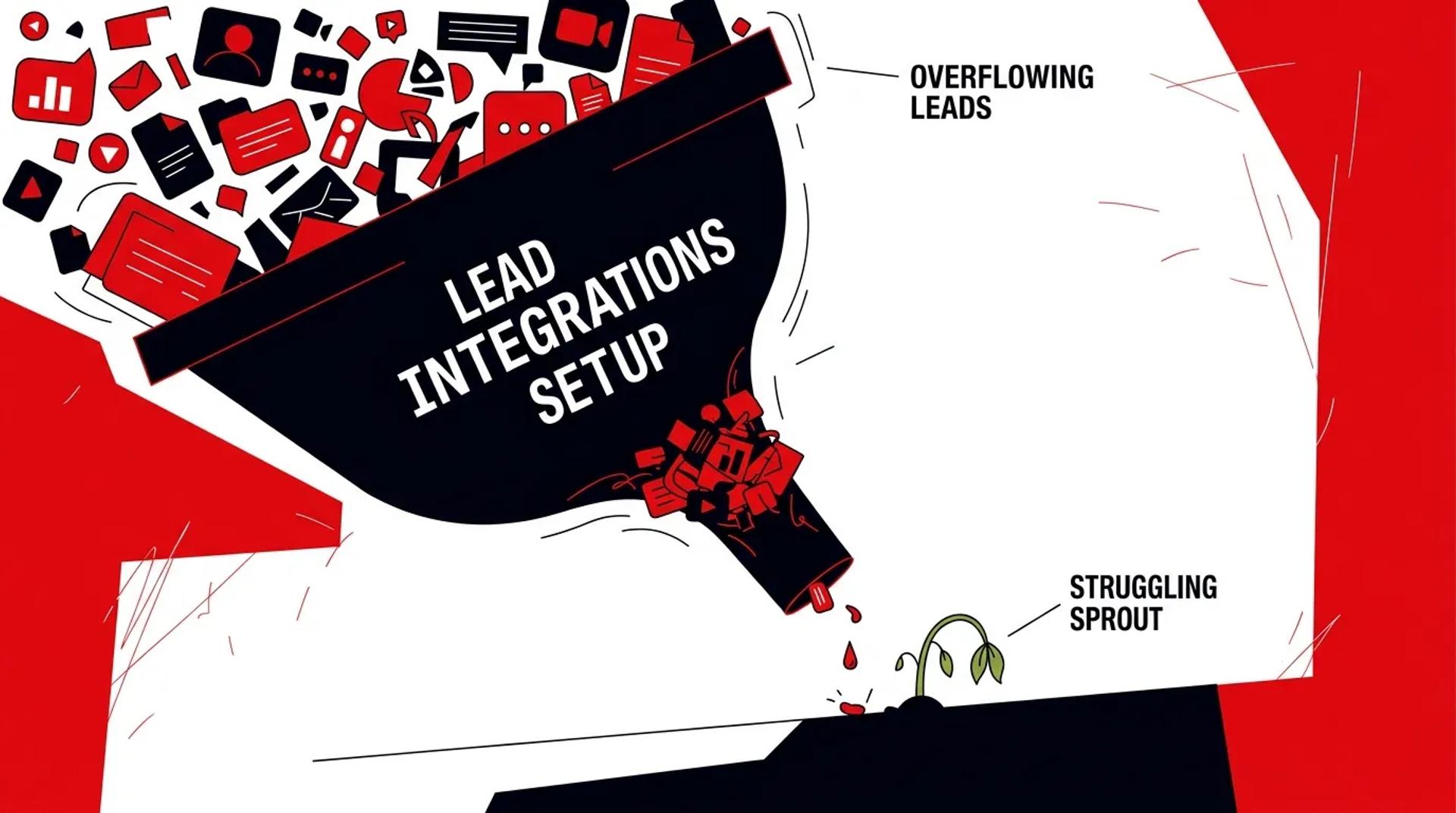

You’re generating leads across multiple channels. Google Ads, Facebook, organic, directories, referrals. But when you pull a report to see which sources produce the most booked jobs, the data is a mess. Source fields are blank or inconsistent. Leads are duplicated. Some never made it to the CRM at all.
This is what broken lead integrations look like from the reporting side. From the operations side, it looks like slow response times, leads assigned to the wrong rep, and sales teams manually re-entering data they should already have. Every one of these problems costs you revenue.
If your CRM lead source tracking can’t tell you which campaigns produce profitable customers, your integrations need attention.
How weak lead integrations show up in the funnel
Integration problems rarely announce themselves. They surface as symptoms across the business:
- Slow speed-to-lead: Leads sit in a form platform or middleware queue before reaching the CRM
- Incomplete records: Missing phone numbers, blank source fields, no campaign data
- Duplicate contacts: The same lead appears two or three times with conflicting information
- Unreliable reporting: Marketing and sales disagree on lead counts and source performance
- Manual workarounds: Reps export CSVs, copy-paste between tools, or manually assign leads
These aren’t minor inconveniences. Each one directly impacts your ability to respond fast, attribute accurately, and make smart budget decisions.
The most common integration mistakes
No standardized field mapping
This is the root cause of most data quality problems. Each lead source sends data in a different format. Google Ads uses one field structure, Facebook another, your website forms a third. If nobody standardized the mapping, your CRM ends up with fragmented, inconsistent records.
We’ve audited CRMs where the lead source field had 40+ variations for the same channel. “Google,” “google,” “Google Ads,” “PPC,” “Paid Search.” That makes accurate CRM lead source tracking impossible.
Sync delays that kill response time
Many integrations run on batch schedules. Hourly syncs. Daily imports. Some use Zapier with free-tier delays. By the time the lead reaches a rep, the prospect has already called a competitor.
Research consistently shows that leads contacted within five minutes are dramatically more likely to convert than those contacted after 30 minutes. If your integration layer adds even 15 minutes of latency, it’s costing you deals.
Missing error handling
Integrations break. APIs change. Rate limits get hit. Auth tokens expire. If your system doesn’t have error monitoring and alerting, leads can silently fail for days before anyone notices.
We’ve seen businesses lose hundreds of leads over a weekend because a Zapier connection broke and nobody had alerts configured.
No deduplication logic
Without deduplication, a returning visitor who fills out a form twice creates two CRM records. Both get assigned to different reps. Both get separate follow-up sequences. The prospect gets confused. Your data gets polluted.
Integration health diagnostic
| Issue | Symptom | Impact on Revenue |
|---|---|---|
| Slow sync speed | Leads arrive 15+ minutes late | Lost deals due to slow response |
| Missing source data | Blank or generic source fields | Can’t optimize ad spend |
| No field standardization | 20+ variations of the same source | Reporting is unreliable |
| No deduplication | Duplicate records for same contact | Wasted rep time, conflicting outreach |
| No error monitoring | Silent failures, missing leads | Direct lead loss |
| Manual routing | Reps assigned randomly or manually | Uneven workloads, slow follow-up |
Why clean integration data matters more than lead volume
Spending more on lead generation when your integrations are broken is like pouring water into a leaky bucket. You can increase volume all day, but if 15% of leads are lost, 20% have incomplete data, and 30% are duplicated, your cost-per-acquisition numbers are fiction.
Clean integration data means:
- Every lead has a complete, standardized record
- Source attribution is accurate from click to close
- Reps get leads instantly with full context
- Reports reflect reality, not approximations
This is the foundation of a working lead integration strategy. Without it, every downstream process, nurture, scoring, routing, reporting, is built on bad data.
What to prioritize first
Here’s the fix order we recommend when integration problems are holding back growth:
- Audit every lead source: Document each channel, the integration method, field mapping, and sync speed
- Standardize the data model: Create a canonical set of field names and values that every source maps to
- Fix sync speed: Move to real-time or near-real-time connections for all high-volume sources
- Add error monitoring: Set up alerts for failed syncs, broken connections, and missing required fields
- Implement deduplication: Define match rules (email, phone, or composite) and merge logic
- Build marketing lead routing rules: Automate assignment based on geography, service type, or lead score
Don’t rebuild everything at once. Start with the sources that generate the most volume and revenue, fix those first, and expand from there.
How Ad Leverage audits lead integration systems
We start by mapping your entire lead flow. Every source, every connection, every field mapping, every routing rule. We test sync speed, check for data loss, validate field accuracy, and identify where leads drop off.
The audit produces a scored assessment of each integration point and a prioritized remediation plan. Most businesses have three to five critical fixes that can be done in two to four weeks. We’ve seen companies recover 10 to 25% of previously lost leads just by fixing sync delays and adding error monitoring.
Frequently asked questions
How do we find out if we’re losing leads?
Compare lead counts at the source (ad platform, form tool) against what arrives in the CRM for the same time period. Any gap is lead loss. We also check for “orphan” leads that exist in middleware but never made it to the CRM.
Is Zapier good enough for lead integrations?
For low-volume, simple connections, yes. For high-volume or complex data transformations, Zapier’s limitations (sync delays, step limits, error handling) become real constraints. At scale, dedicated middleware or custom API integrations are more reliable.
How often should we audit our integrations?
Monthly spot checks on sync speed and error logs. Full audits quarterly. Any time you add a new lead source, the integration should be validated end-to-end before going live.
What’s the most expensive integration mistake?
Silent lead loss. When integrations fail without alerts, you’re paying for leads that never reach your sales team. We’ve found businesses losing $10K to $50K per month in wasted ad spend because leads were disappearing between the ad platform and the CRM.
Stop letting broken integrations waste your ad spend
If your CRM data doesn’t match your ad platform numbers, or your reps are complaining about lead quality that’s actually a data quality problem, your integrations need a rebuild. Talk to a CRM & Lead Integrations Strategist to get a full audit and a clear path to fixing the gaps.
References
- Salesforce, “State of Sales Report”
- HubSpot, “The Cost of Bad CRM Data”
- Google, “How Speed-to-Lead Impacts Conversion Rates”