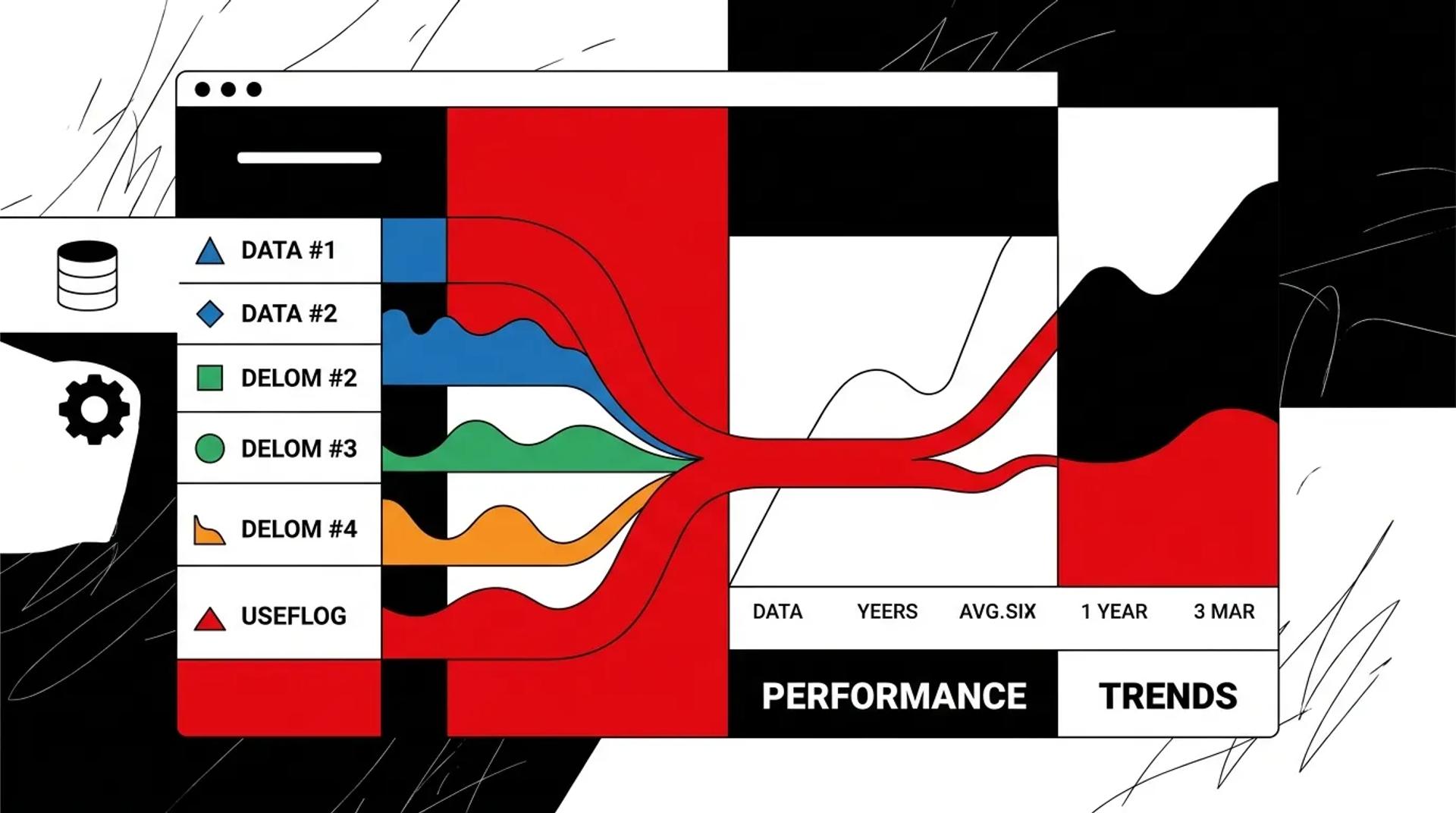

Your lead integrations are supposed to be invisible infrastructure. Leads come in, data flows through, reps get assigned, reports get generated. But if you can’t pull a report showing exactly how many leads came from each source, how fast they were routed, and how many converted to revenue, your integrations are failing at their primary job.
Good marketing lead routing and integration reporting doesn’t just show that leads arrived. It shows how fast they arrived, how complete the data was, where they went, and what happened next. When this reporting works, you can optimize ad spend, fix operational bottlenecks, and hold every channel accountable for revenue.
If your marketing team and sales team are looking at different lead numbers, your integration reporting is the problem.
Why lead count reports are not enough
Most businesses track one thing: how many leads came in this month. That number is nearly useless on its own.
Here’s why. A report showing 500 leads tells you nothing about:
- How many had complete, usable data
- How fast each one reached the assigned rep
- Which source produced leads that actually closed
- Whether duplicates inflated the count
- How many were lost to sync failures
Lead count is a vanity metric for integrations. The real metrics are about data quality, speed, and downstream outcomes.
The lead count trap:
- Marketing says: “We generated 500 leads”
- Sales says: “We only got 380 good ones”
- Finance says: “We booked 45 jobs, but can’t tell you which leads they came from”
- Everyone disagrees, and nobody trusts the data
This disconnect exists because the integration layer doesn’t capture or report on the right things.
Which KPIs actually matter for lead integrations
The right KPIs measure three dimensions: data quality, operational speed, and revenue outcomes.
Data quality metrics
- Field completion rate: Percentage of leads with all required fields populated
- Source accuracy: Percentage of leads with correct, standardized source attribution
- Duplicate rate: Percentage of new leads that match existing records
- Error rate: Percentage of leads that fail during sync (API errors, validation failures)
Operational speed metrics
- Time-to-CRM: Seconds between lead submission and CRM record creation
- Time-to-assignment: Seconds between CRM entry and rep notification
- Routing accuracy: Percentage of leads assigned to the correct rep or queue
- First response time: Minutes between assignment and first rep action
Revenue outcome metrics
- Cost-per-lead by source: Total spend divided by attributed leads per channel
- Cost-per-booked-job by source: Total spend divided by closed deals per channel
- Source-to-close rate: Percentage of leads from each source that become paying customers
- Revenue by lead source: Total closed revenue attributed to each integration source
Vanity vs. revenue integration metrics
| Vanity Metric | Why It Misleads | Revenue Metric to Use Instead |
|---|---|---|
| Total lead count | Inflated by duplicates and bad data | Unique, qualified leads by source |
| Leads per channel | Doesn’t account for lead quality | Cost-per-booked-job by channel |
| Sync uptime percentage | Uptime doesn’t mean accuracy | Field completion and error rate |
| Integration count | More isn’t better | Revenue attribution by integrated source |
| Form submissions | Doesn’t track post-submission flow | Time-to-CRM and time-to-assignment |
How CRM and channel data should connect
Lead integration reporting requires data flowing in multiple directions:
- Ad platforms to CRM: Cost data, campaign data, keyword data, and lead records
- CRM to reporting layer: Deal outcomes, revenue, and stage progression
- Call tracking to CRM: Inbound calls logged with source, duration, and disposition
- CRM back to ad platforms: Offline conversion data for algorithm optimization
When these connections are working, you can build a report that shows: “Google Ads Campaign X generated 82 leads at $45 each. 23 booked appointments. 14 became customers worth $127K in revenue.” That’s the level of CRM lead source tracking that drives smart budget decisions.
Without these connections, you’re optimizing on cost-per-lead when you should be optimizing on cost-per-booked-job.
What a useful integration dashboard includes
A good integration dashboard answers five questions:
- Are leads flowing correctly? Sync speed, error rates, and volume by source
- Is the data clean? Field completion rates, duplicate rates, source accuracy
- Are leads being routed properly? Marketing lead routing accuracy and time-to-assignment
- Which sources produce revenue? Cost-per-booked-job and source-to-close rate by channel
- Where are the bottlenecks? Slowest sync times, highest error rates, lowest conversion sources
Dashboard structure
Real-time monitoring (always visible):
- Active sync status for each integration
- Error alerts for failed or stalled connections
- Lead volume by source (last 24 hours)
Weekly operational review:
- Average time-to-CRM by source
- Marketing lead routing accuracy
- Field completion rates
- Duplicate detection rates
Monthly strategic review:
- Cost-per-lead and cost-per-booked-job by source
- Source-to-close conversion rates
- Revenue attributed by lead source
- Integration health trends
How Ad Leverage reports on lead integrations
We build integration reporting that goes beyond “leads received.” Our dashboards show data quality metrics, sync speed, routing accuracy, and most importantly, revenue attribution by source.
Every client gets a monthly report showing cost-per-booked-job by channel, not just cost-per-lead. This forces honest conversations about which sources actually produce profitable customers and which ones just inflate lead counts.
We also monitor integration health in real time. If a sync breaks, a field mapping changes, or error rates spike, we catch it before leads are lost. This operational monitoring layer is what separates a lead integration strategy from a collection of connected tools.
Frequently asked questions
How do we know if our lead source data is accurate?
Spot-check 50 recent leads across multiple sources. Verify that the source field in the CRM matches the actual originating platform. If more than 10% are wrong or missing, your source tracking needs a fix.
What’s the right time-to-CRM benchmark?
Under 60 seconds for high-priority sources (paid ads, phone calls). Under five minutes for secondary sources. Anything slower than 15 minutes is a competitive disadvantage for lead response.
How do we track cost-per-booked-job by source?
You need three data points connected: ad spend by campaign (from the ad platform), leads by campaign (from the CRM), and booked jobs by lead source (from the CRM or ERP). Connecting these requires CRM lead source tracking that follows the lead from click to close.
Should we report on integration health or just lead outcomes?
Both. Integration health metrics (sync speed, error rates, field completion) are leading indicators. If they degrade, lead outcomes will follow. Monitor health continuously and report on outcomes monthly.
Get reporting that shows what integrations actually produce
If your lead reports don’t tie back to revenue by source, your integrations aren’t doing their job. Talk to a CRM & Lead Integrations Strategist to build reporting that connects lead flow to booked revenue.
References
- Salesforce, “State of the Connected Customer”
- Google, “Offline Conversion Tracking Best Practices”
- HubSpot, “Revenue Attribution Reporting Guide”