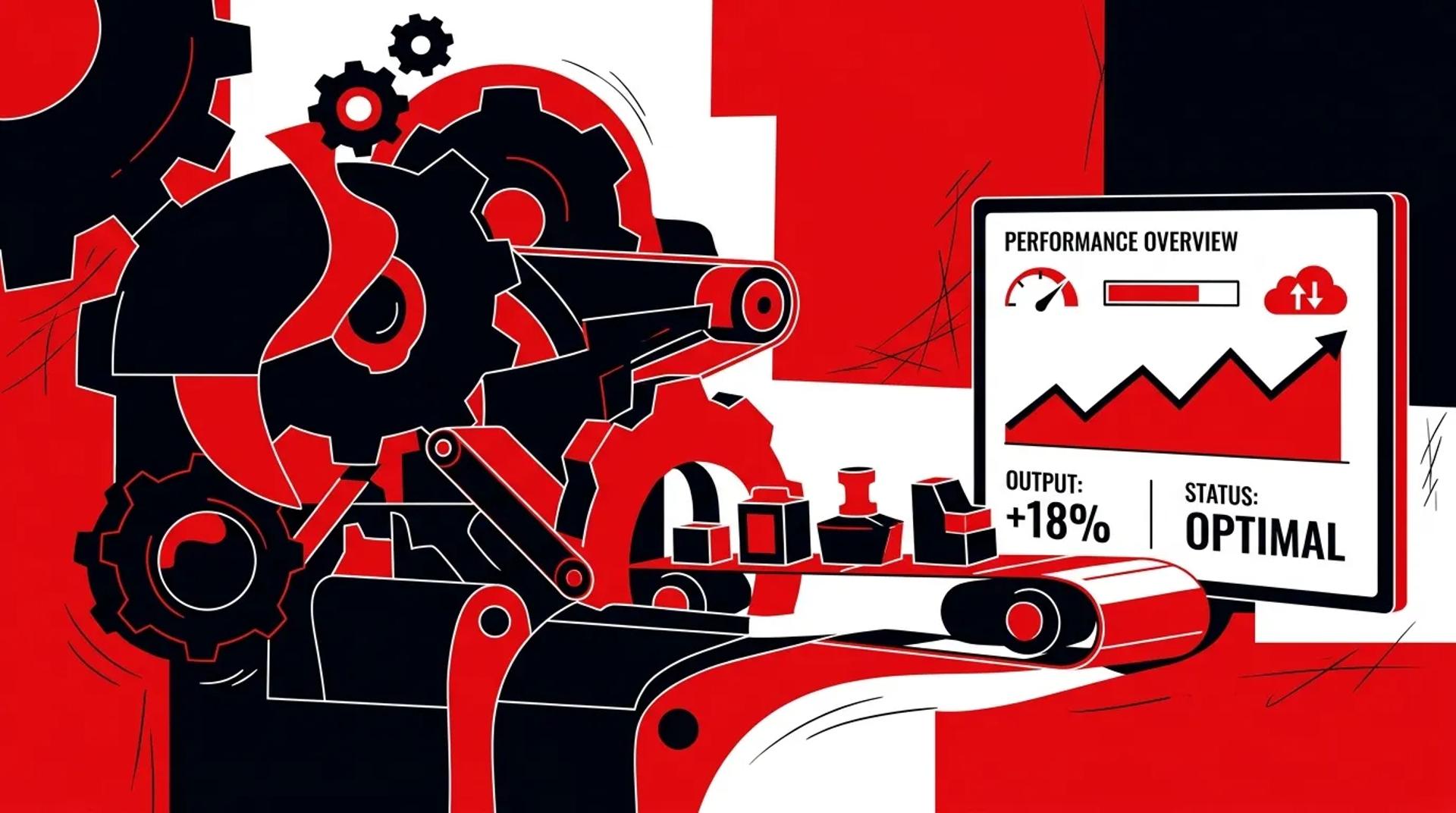

Your marketing automation platform produces a lot of data. Workflow enrollment counts. Email open rates. Task completion percentages. Lead scores. But when leadership asks “what’s the ROI of our automation investment,” most teams can’t answer with a number tied to revenue.
Measuring marketing automation ROI requires connecting automation activity to business outcomes. Not how many workflows fired, but how many deals those workflows influenced. Not how many leads were scored, but how many scored leads actually closed. The gap between automation metrics and revenue metrics is where most reporting falls short.
If your automation reports show activity but can’t show pipeline or revenue impact, you’re measuring the tool, not the results.
Why workflow metrics alone create bad decisions
Automation platforms are designed to show you platform-level metrics. Enrollment rates, completion rates, email performance within sequences. These metrics tell you whether the tool is functioning. They don’t tell you whether it’s producing value.
Common reporting mistakes:
- Reporting workflow enrollment as success (“1,200 leads entered nurture this month”)
- Celebrating email performance within automations without tracking post-email outcomes
- Showing lead scoring distribution without validating scores against close rates
- Presenting automation “cost savings” based on time saved instead of revenue generated
The danger of these reports is that they make underperforming automation look productive. Teams keep investing in workflows that feel busy but don’t move pipeline.
Which KPIs actually measure marketing automation ROI
The right KPIs connect automation activity to downstream business outcomes across three layers.
Automation performance metrics (diagnostic)
- Workflow completion rate: Percentage of enrolled contacts who reach the final step
- Stage progression rate: Percentage of leads that move from one lifecycle stage to the next
- Lead score accuracy: Correlation between high scores and actual close rates
- Task completion rate: Percentage of sales tasks generated by automation that get completed
Pipeline impact metrics (strategic)
- Automation-influenced pipeline: Total deal value where the lead touched an automation workflow before converting
- Nurture-to-opportunity rate: Percentage of nurtured leads that become sales-qualified opportunities
- Time-to-qualification: Average days from lead entry to sales-qualified status
- Re-engagement conversion rate: Percentage of re-engaged stale leads that re-enter the pipeline
Revenue metrics (executive)
- Automation-attributed revenue: Closed-won revenue where automation was a touchpoint
- Cost-per-automation-generated-opportunity: Total platform and management cost divided by opportunities created
- Marketing automation ROI: (Revenue attributed to automation minus total cost) divided by total cost
- Customer lifetime value by entry workflow: Revenue per customer segmented by the nurture track they came through
Workflow vs. revenue reporting
| Workflow Metric | What It Shows | Revenue Metric to Use Instead |
|---|---|---|
| Enrollment count | Volume of contacts entering | Enrollment-to-opportunity conversion rate |
| Email open rate in sequence | Content engagement | Sequence-to-appointment rate |
| Lead score distribution | Scoring model output | Score-to-close correlation |
| Workflow completion rate | Sequence health | Revenue per completed workflow contact |
| Tasks generated | Automation output | Tasks completed that led to booked jobs |
| Re-enrollment count | Recycling volume | Re-engaged leads that converted |
How CRM and automation data should connect
Marketing automation ROI measurement is impossible without bi-directional data flow between your automation platform and CRM.
Automation to CRM:
- Lead scores and score changes
- Workflow enrollment and completion status
- Email engagement events (opens, clicks, replies)
- Task and activity creation
CRM to automation:
- Deal stage changes (so automation can adjust based on sales progress)
- Revenue amounts (so attribution can calculate ROI)
- Sales feedback (lead quality flags that improve scoring models)
- Close dates and outcomes (so lead nurture workflows can be measured end-to-end)
When both directions are working, you can build reports that trace a lead from first workflow enrollment through every automation touchpoint to closed revenue. That’s the reporting level where marketing automation strategy decisions become data-driven instead of instinct-driven.
What a useful automation dashboard includes
A good automation dashboard serves three audiences with different views:
Operations view (weekly)
- Active workflow health: error rates, stuck contacts, enrollment trends
- Lead score distribution and recent threshold breaches
- Task completion rates and rep follow-up speed
- Lead nurture workflows performance by sequence
Marketing view (monthly)
- Nurture-to-opportunity conversion by workflow
- Stage progression rates across the funnel
- Re-engagement campaign results
- A/B test results on workflow variations
Executive view (quarterly)
- Total marketing automation ROI: revenue attributed minus total cost
- Automation-influenced pipeline value
- Cost-per-opportunity from automation
- Year-over-year automation contribution trends
Each view answers different questions. Operations ensures the system is working. Marketing optimizes the strategy. Leadership decides whether to invest more.
How Ad Leverage reports on marketing automation
We build automation reporting in three layers. The first layer monitors operational health: Are workflows running? Are leads progressing? Are tasks being completed?
The second layer measures marketing impact: Which nurture tracks produce the most opportunities? Which lead scores predict closes? Where do leads stall?
The third layer reports on revenue: How much closed business was influenced by automation? What’s the ROI of the platform investment? Which workflows contribute the most to booked jobs?
Every client receives a monthly report with all three layers. The executive summary leads with revenue. The detail sections support optimization decisions. We’ve built this reporting structure for businesses running five workflows and businesses running fifty. The framework scales because it’s organized around outcomes, not features.
Frequently asked questions
How do we calculate marketing automation ROI?
Add up all revenue from deals where the lead touched at least one automation workflow. Subtract the total cost of your automation platform, management, and content creation. Divide the difference by the total cost. A positive ratio means automation is earning more than it costs.
What if our sales cycle is too long to measure automation ROI quickly?
Use leading indicators while you wait for revenue data. Nurture-to-opportunity rate, time-to-qualification, and re-engagement conversion rate all indicate whether automation is working before deals close. Full marketing automation ROI measurement typically requires 90 to 120 days of data.
How do we know if our lead scoring model is accurate?
Pull all leads scored above your qualification threshold in the last quarter. Calculate their close rate. Compare it to the close rate of leads below the threshold. If high-scored leads don’t close at a meaningfully higher rate (at least 2x), the model needs recalibration.
Should we attribute revenue to the workflow or the channel?
Both, for different purposes. Channel attribution tells you where to spend ad dollars. Workflow attribution tells you which marketing automation strategy components are driving conversions. They’re complementary views, not competing ones.
Start measuring automation by revenue, not activity
If your automation reports show enrollments and open rates but not pipeline and revenue, the reporting layer needs a rebuild. Talk to a CRM & Automation Strategist and we’ll help you connect automation metrics to business outcomes.
References
- Forrester Research, “The ROI of Marketing Automation”
- HubSpot, “Marketing Automation Benchmarks Report”
- Gartner, “Marketing Technology and ROI Measurement”