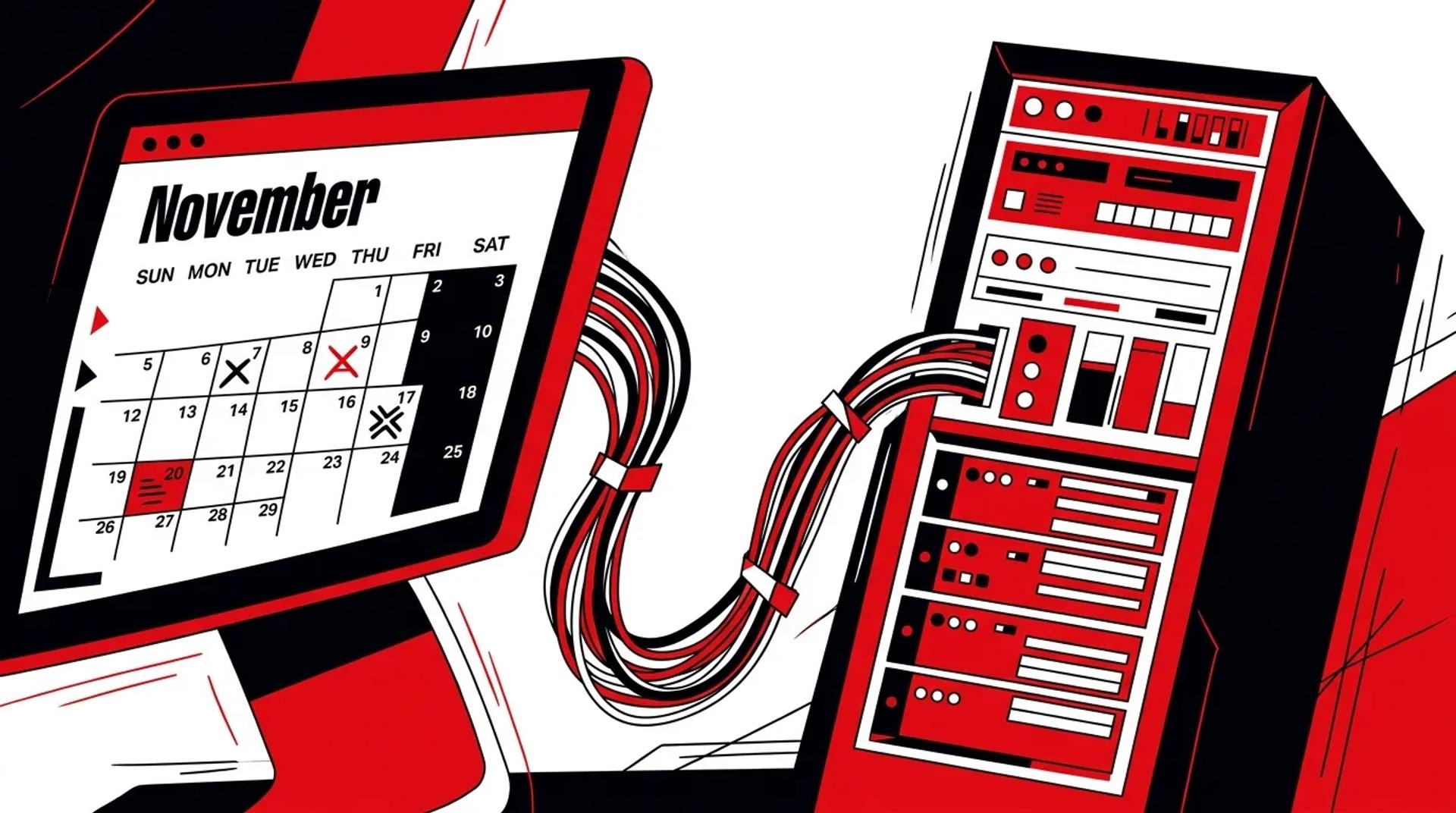

Most home service companies treat online scheduling like a standalone widget. Drop a booking form on the website, connect it to a calendar, and move on. That approach creates more problems than it solves.
The real issue is not whether customers can book online. It is what happens after they click “Schedule.” If the scheduling tool is not wired into your CRM, dispatch system, availability engine, and attribution stack, you are generating appointments that your team cannot track, route, or measure. Online scheduling for service businesses only works when it is deeply integrated into the systems that actually run your operation.
We have audited dozens of scheduling setups across HVAC, plumbing, and electrical companies. The gap between a basic booking widget and a properly connected scheduling system is the difference between a 30% and 70% booked appointment rate.
Why isolated scheduling tools create new problems
A standalone booking tool does one thing: it collects a time preference. That sounds useful until you realize it does not check real technician availability, does not create a job record in your CRM, and does not tag the lead source for attribution.
Here is what typically breaks:
- Double bookings happen because the scheduling tool does not sync with dispatch in real time
- CSRs waste time re-entering data that the customer already submitted
- Marketing cannot attribute booked jobs back to the campaign that generated the lead
- After-hours bookings sit in a queue until someone manually processes them the next morning
Every one of those friction points costs revenue. Not in theory. In real missed appointments and wasted ad spend.
What online scheduling actually needs to connect to
Effective appointment booking software is not a single product. It is an integration layer across five core systems.
CRM and job management
Every online booking should automatically create a customer record and job in your CRM. No manual entry. No CSV imports. If you are running ServiceTitan, Housecall Pro, or a similar platform, the scheduling tool should push data directly into your existing workflow.
Real-time availability
The scheduler must pull live technician availability from your dispatch board. Static time slots based on business hours are not enough. If a tech calls out sick or a job runs long, the available slots should update automatically.
Intelligent routing
Not all jobs are equal. A $200 drain cleaning and a $15,000 system replacement should not land in the same queue. Proper routing sends high-value opportunities to senior techs or dedicated sales teams based on job type, service area, or estimated ticket size.
Automated reminders and confirmations
No-shows kill profitability. A connected scheduling system sends SMS and email confirmations immediately after booking, followed by reminders 24 hours and 2 hours before the appointment. We consistently see a 15-25% reduction in no-shows when automated reminders are in place.
Source attribution
Every booked appointment needs a source tag. Google Ads, LSA, organic, direct. Without this, you cannot calculate cost per booked job by channel. And if you cannot do that, your budget allocation is guesswork.
Connected vs. disconnected scheduling: the real impact
| Capability | Disconnected Widget | Connected System |
|---|---|---|
| CRM record creation | Manual entry required | Automatic on booking |
| Availability accuracy | Static business hours | Real-time dispatch sync |
| Lead source tracking | None or manual | Auto-tagged by channel |
| Reminder sequence | Separate tool needed | Built into the workflow |
| No-show rate | 20-35% | 10-18% |
| Time to dispatch | Hours (next business day) | Minutes (immediate) |
The difference is not subtle. A connected system captures more revenue from the same traffic you are already paying for.
How to reduce booking friction without losing control
The goal is to make booking as easy as possible for the customer while keeping your operation tight behind the scenes. Here is the process we follow:
- Audit existing tools. Map every system that touches a customer booking. Identify where data gets stuck or re-entered manually.
- Define routing rules. Decide how different job types, service areas, and customer segments should be handled. Build those rules into the scheduling logic.
- Connect the CRM. Ensure every booking creates a job record with full context: customer info, job type, source, and preferred time.
- Activate reminders. Set up a confirmation and reminder sequence that fires automatically. Test deliverability on SMS and email.
- Tag every source. Use UTM parameters and call tracking numbers to ensure every booked appointment carries a source tag into your CRM.
This is not a weekend project. But once it is built, online scheduling for service businesses becomes a revenue engine instead of a liability.
What a properly built scheduling stack looks like
The best scheduling implementations we have built share three traits:
- Zero manual handoffs. From the moment a customer books to the moment a tech shows up, no one needs to copy-paste data between systems.
- Full attribution. Every booked job traces back to a specific campaign, keyword, or channel. Marketing can optimize spend based on booked revenue, not just form fills.
- Flexibility for edge cases. Emergency calls, VIP customers, and after-hours bookings all have defined workflows. Nothing falls through the cracks.
When we deploy SimplyScheduled for Ad Leverage clients, these are the standards we build to. The scheduling layer becomes invisible to the customer and completely transparent to the operator.
Frequently asked questions
Can online scheduling replace our CSR team?
No. Scheduling handles routine bookings and after-hours requests. Your CSR team still manages complex calls, upsells, and customer issues. The goal is to free CSRs from repetitive data entry so they can focus on higher-value conversations.
How long does it take to integrate scheduling with our CRM?
It depends on your platform, but most implementations take 2-4 weeks. The scheduling tool itself is fast to configure. The time goes into mapping routing rules, testing availability sync, and validating attribution tagging.
What if a customer books online but we need to call them first?
Build that into the routing logic. Certain job types or ticket sizes can trigger a “request callback” flow instead of a confirmed appointment. The customer still gets a fast response, and your team keeps control of the intake process.
Does this work with ServiceTitan?
Yes. We build scheduling integrations specifically around ServiceTitan’s API and campaign tracking. The booked appointment, customer record, and source tag all flow directly into your ServiceTitan instance.
Stop leaving booked revenue on the table
If your online scheduling for service businesses is not connected to your CRM, dispatch, and attribution systems, you are losing appointments you already paid to generate. The fix is not more traffic. It is a better system behind the booking button.
Book a Strategy Call and we will map out exactly what your scheduling stack should look like.
References
- Google, “The Importance of Speed in Customer Service Response” (Think with Google)
- HubSpot, “The State of Customer Service” annual report
- ServiceTitan, “Field Service Management Best Practices” documentation